The Latest 2026 ChatGPT Plus Recharge Tutorial: Direct Top-Up to Your Account Without a Bank Card, Safe Upgrade Guide
The newest 2026 method for upgrading to ChatGPT Plus, already running stably — top up your personal ChatGPT account directly, no password or bank card required. Bookmark the official upgrade site so you can use it anytime.
With model advancements, the demand for ChatGPT Plus membership upgrades is growing. This tutorial explains in detail how domestic (Chinese) users can quickly top up ChatGPT Plus via Alipay in 2026 for a seamless upgrade. Simple to operate, one-click direct top-up, and suitable for all ChatGPT users.
# ChatGPT Plus Upgrade Background
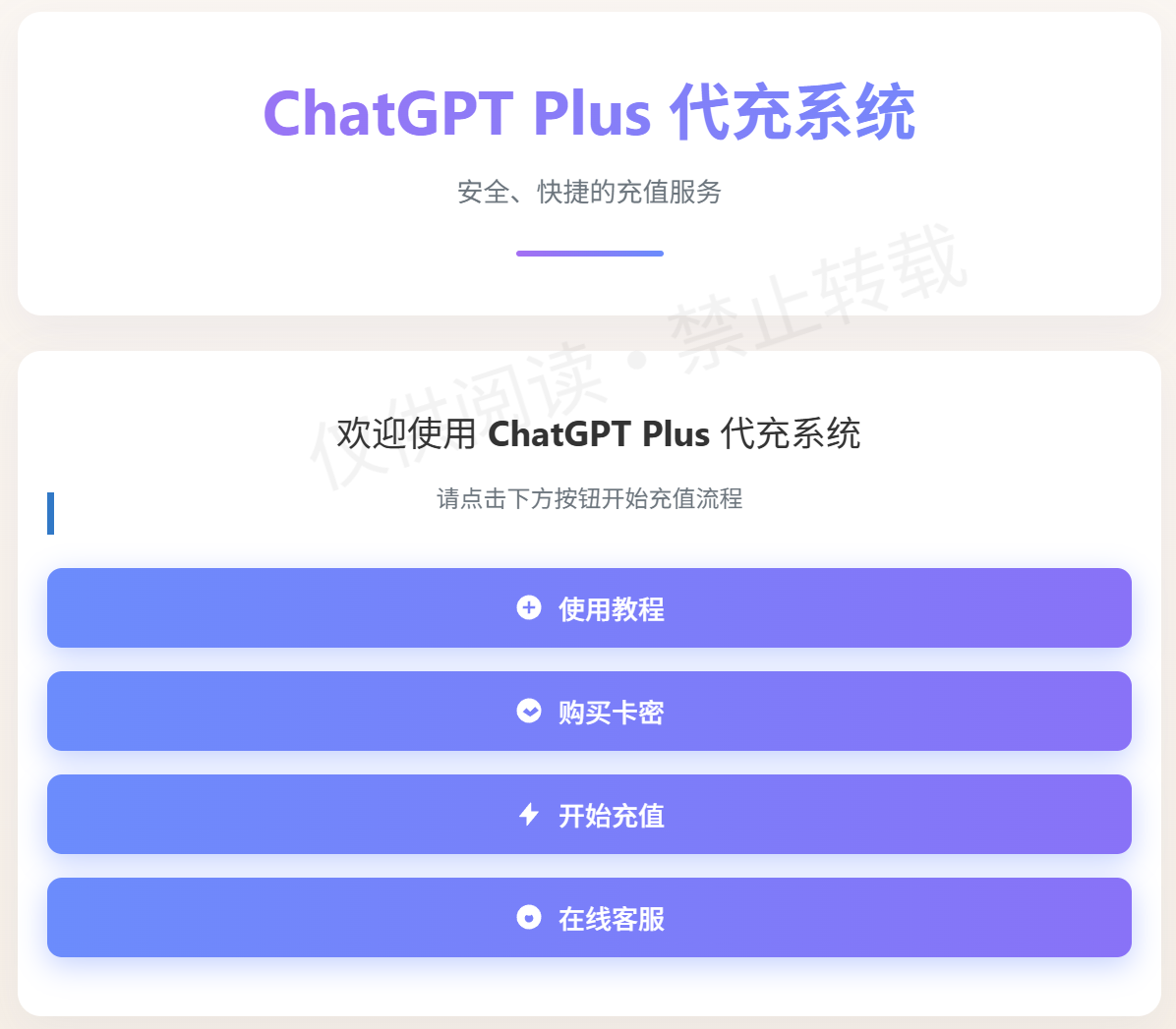
In 2025, domestic users face payment restrictions when upgrading ChatGPT Plus, but through a reliable Alipay recharge channel, you can easily top up your account directly. This tutorial focuses on the detailed steps of using Alipay to recharge ChatGPT Plus, with no overseas bank card or complicated operations needed. The whole process takes just 2 minutes — safe and efficient — ensuring your ChatGPT account is upgraded directly to Plus membership, unlocking unlimited conversations, priority access to GPT-5, and other advanced features.
# Detailed Alipay ChatGPT Plus Recharge Tutorial
This tutorial is based on the official upgrade system and provides the latest 2025 method for directly topping up ChatGPT Plus with Alipay. The official site already has detailed instructions built in; here we simplify the process for first-time users.
First, visit the one-click ChatGPT Plus upgrade official site:
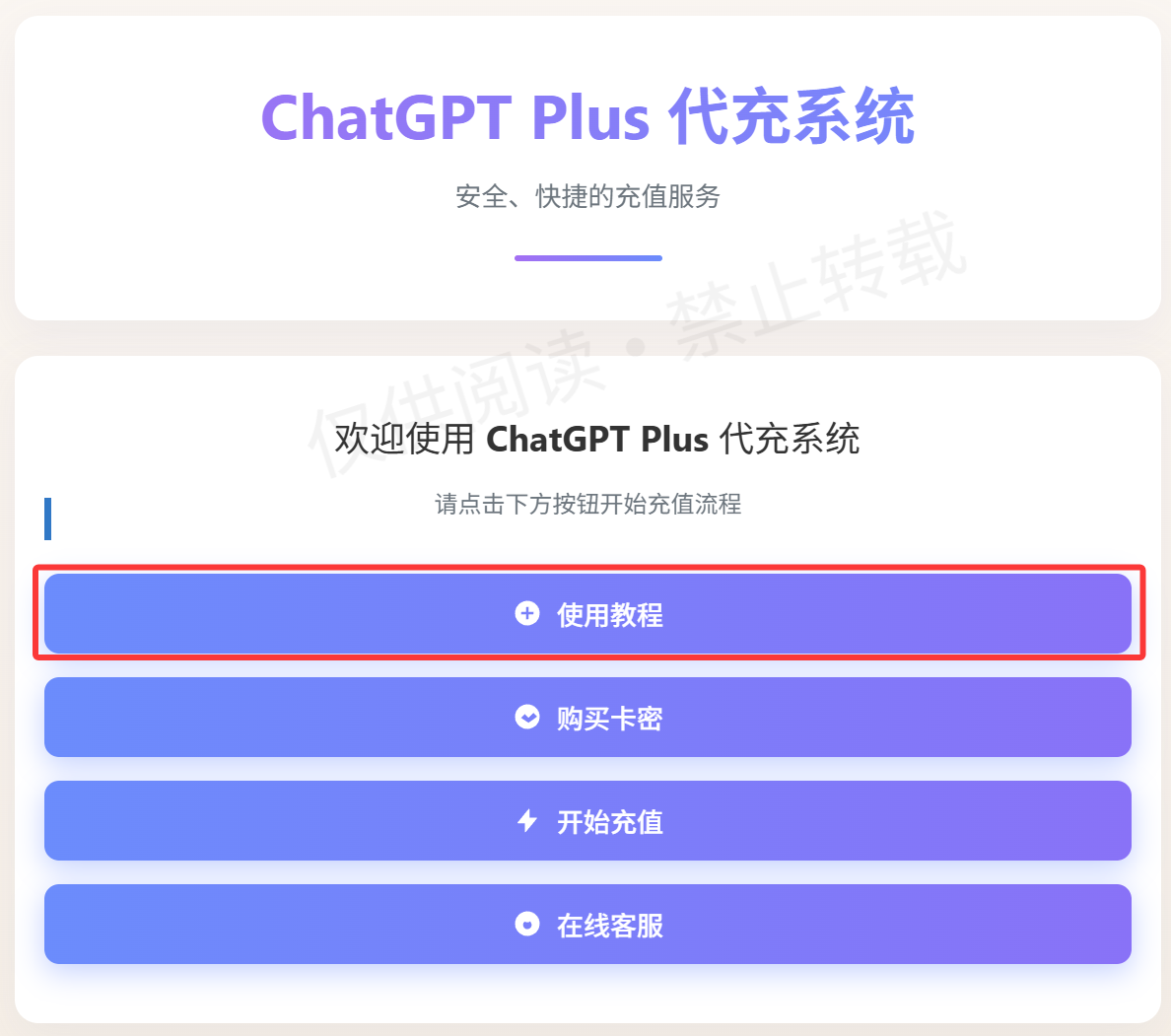
ChatGPT Plus Alipay upgrade official site: https://gptplus.org.cn/ (opens new window)
# Step 1: Buy a ChatGPT Plus Recharge Card Key via Alipay
On the purchase page, fill in your mobile number (at least 8 digits) for order lookup and after-sales service — no extra personal information needed.
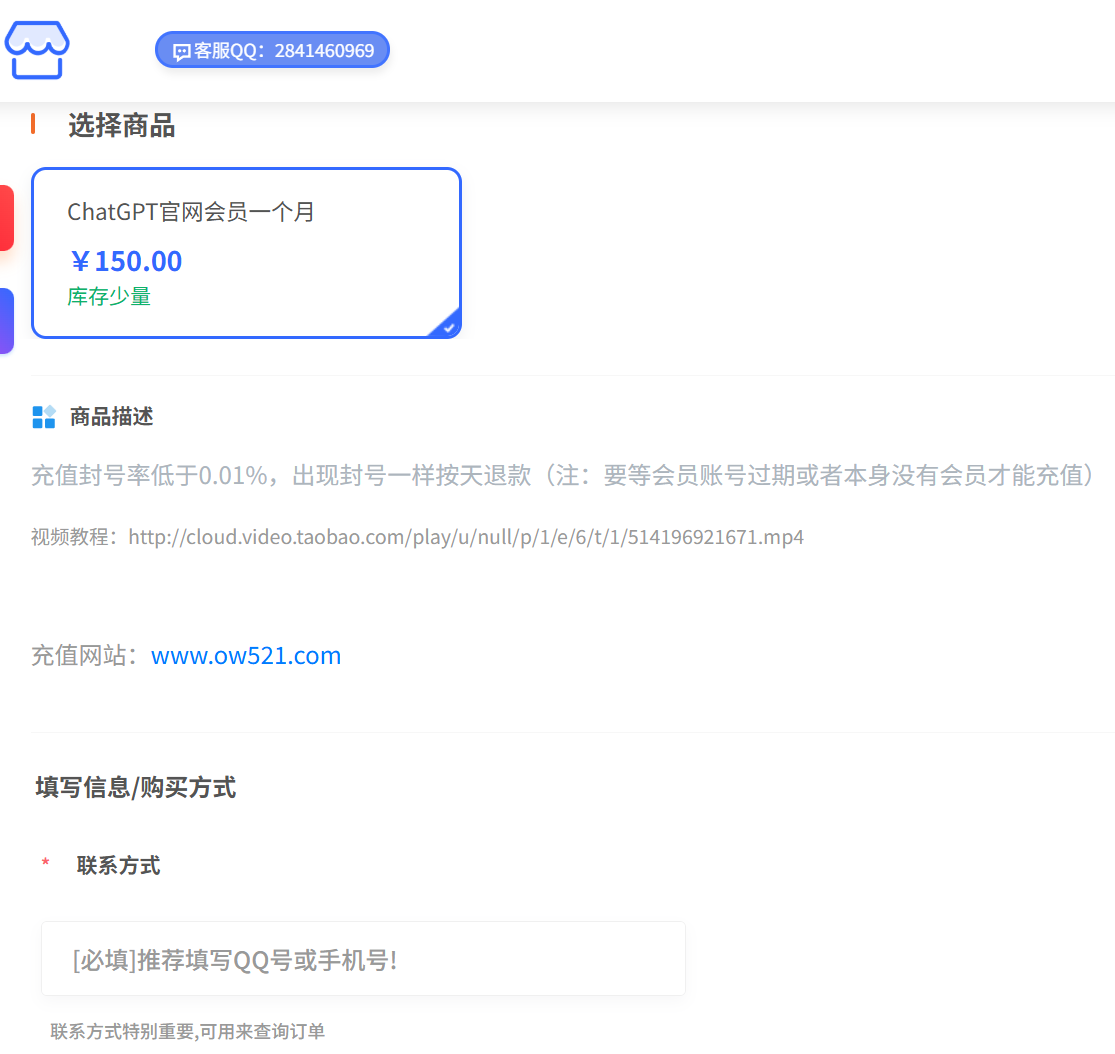
Important note: If your ChatGPT Plus membership hasn't expired yet, wait until it expires before recharging to upgrade, to avoid conflicts. You can bookmark the official site for later.
Click "Confirm Payment" and the system will generate an Alipay payment QR code; complete the scan-and-pay within 10 minutes. The standard ChatGPT Plus fee is $20, but considering the 2025 upstream bank fee adjustments, the actual Alipay payment amount is ¥150 RMB.
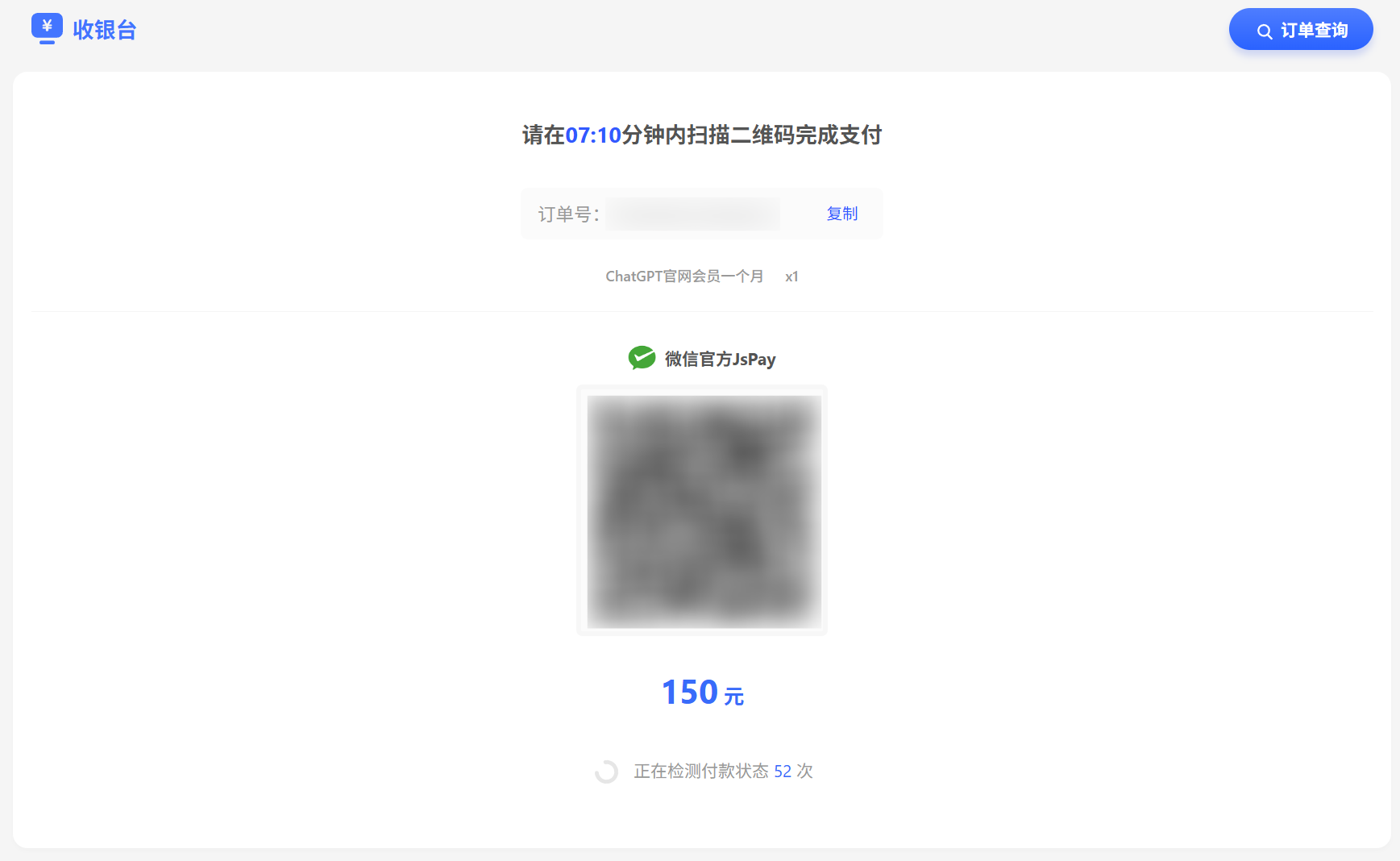
After payment succeeds, the page displays your exclusive recharge card key. Copy and save it, then click "Go to Upgrade" — the system automatically redirects and fills the card key into the upgrade page.
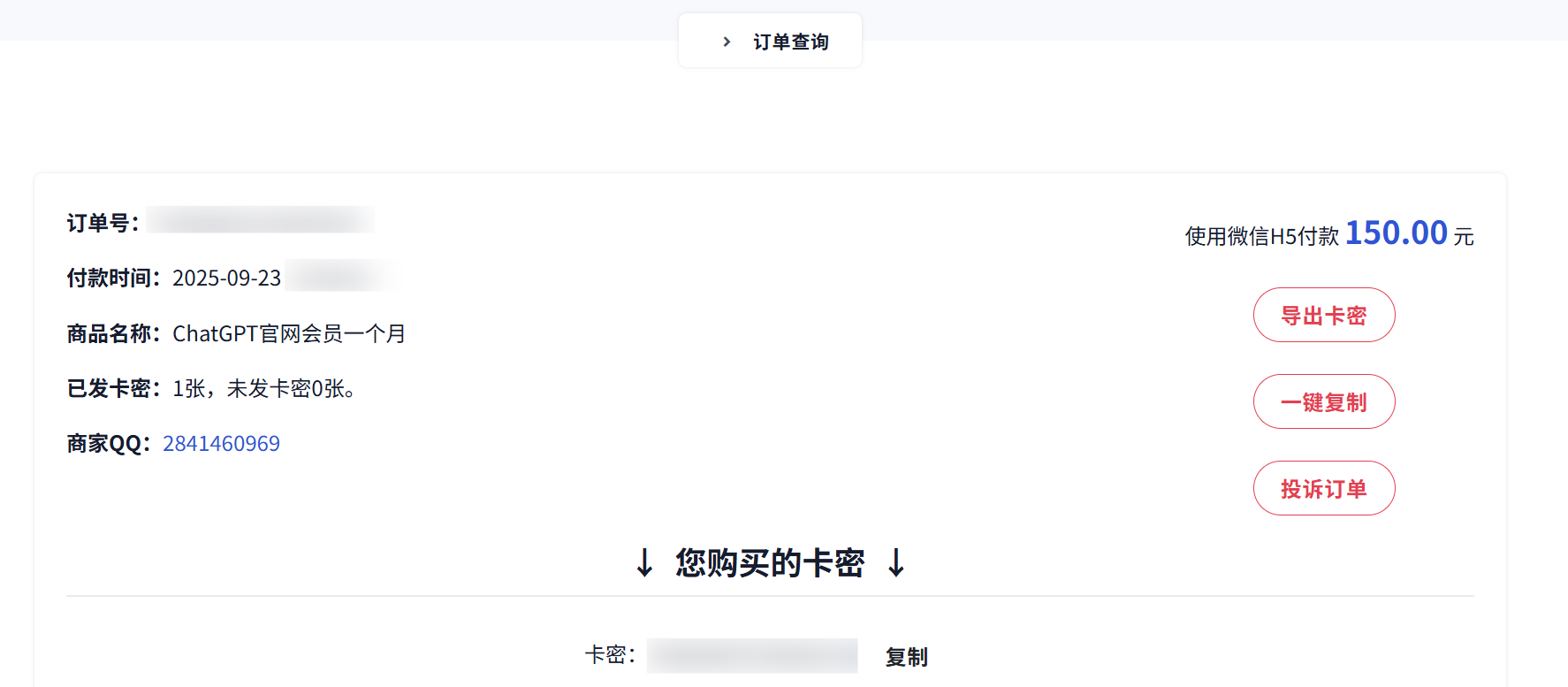
# Step 2: Complete the ChatGPT Plus Upgrade with an Alipay Direct Top-Up
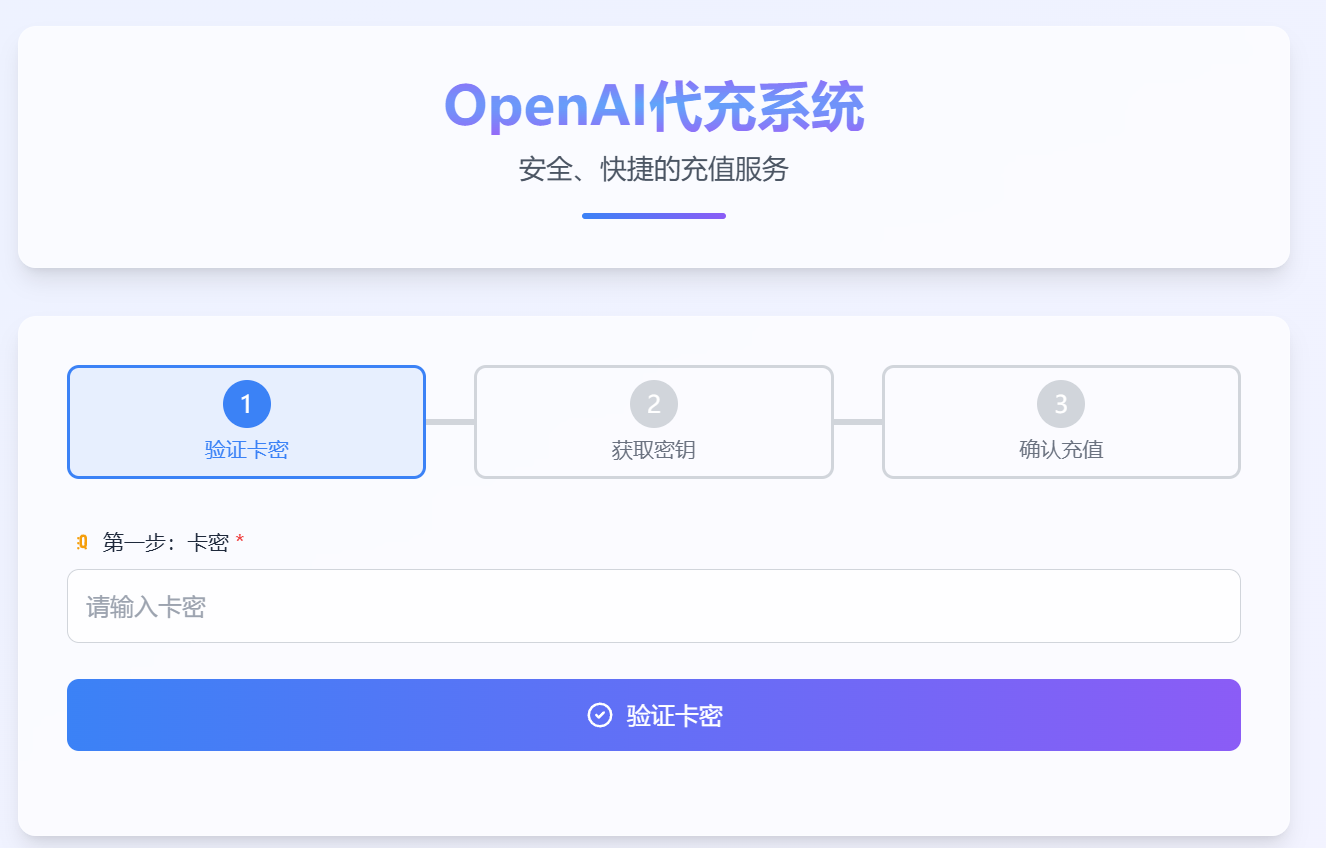
Enter the upgrade page, input or auto-fill the recharge card key, and click "Start Recharging".
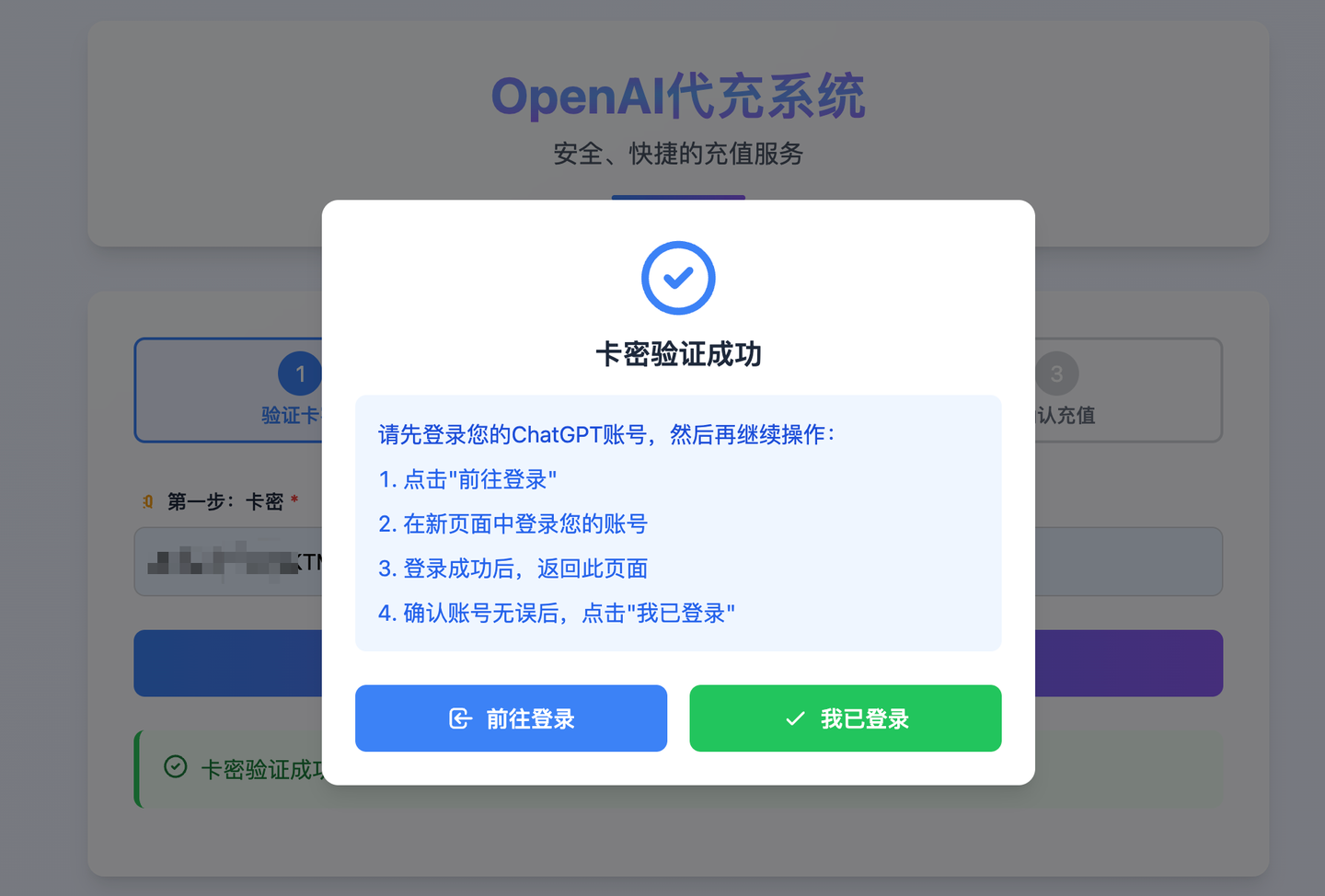
After the system verifies the card key, confirm that you're logged into your ChatGPT account (if not, log in on the official site first). Click "I'm Logged In" to continue.
Next, obtain and paste your ChatGPT account key into the text box; the system automatically recognizes the information.
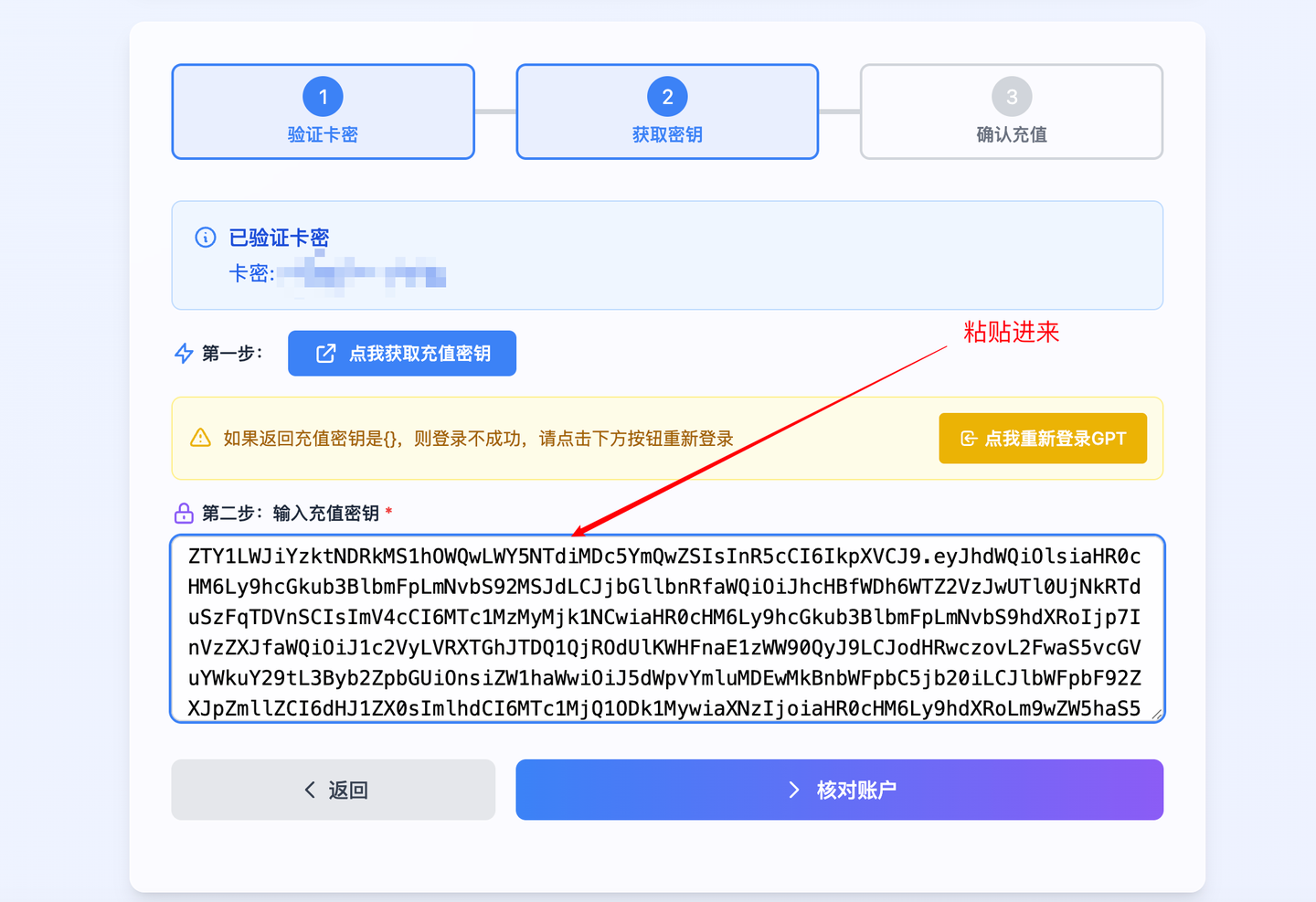
How do I get my ChatGPT account key?
(2.1) Make sure you're logged into the target ChatGPT account. If you don't have one, register first (users already logged in on the web can skip this).
(2.2) In the upgrade system, click [Click Here to Get GPT Key] and copy the complete JSON key information.
After pasting the key, click "Verify Account". Once confirmed, click "Confirm Recharge" and the system automatically upgrades your ChatGPT account to Plus membership.
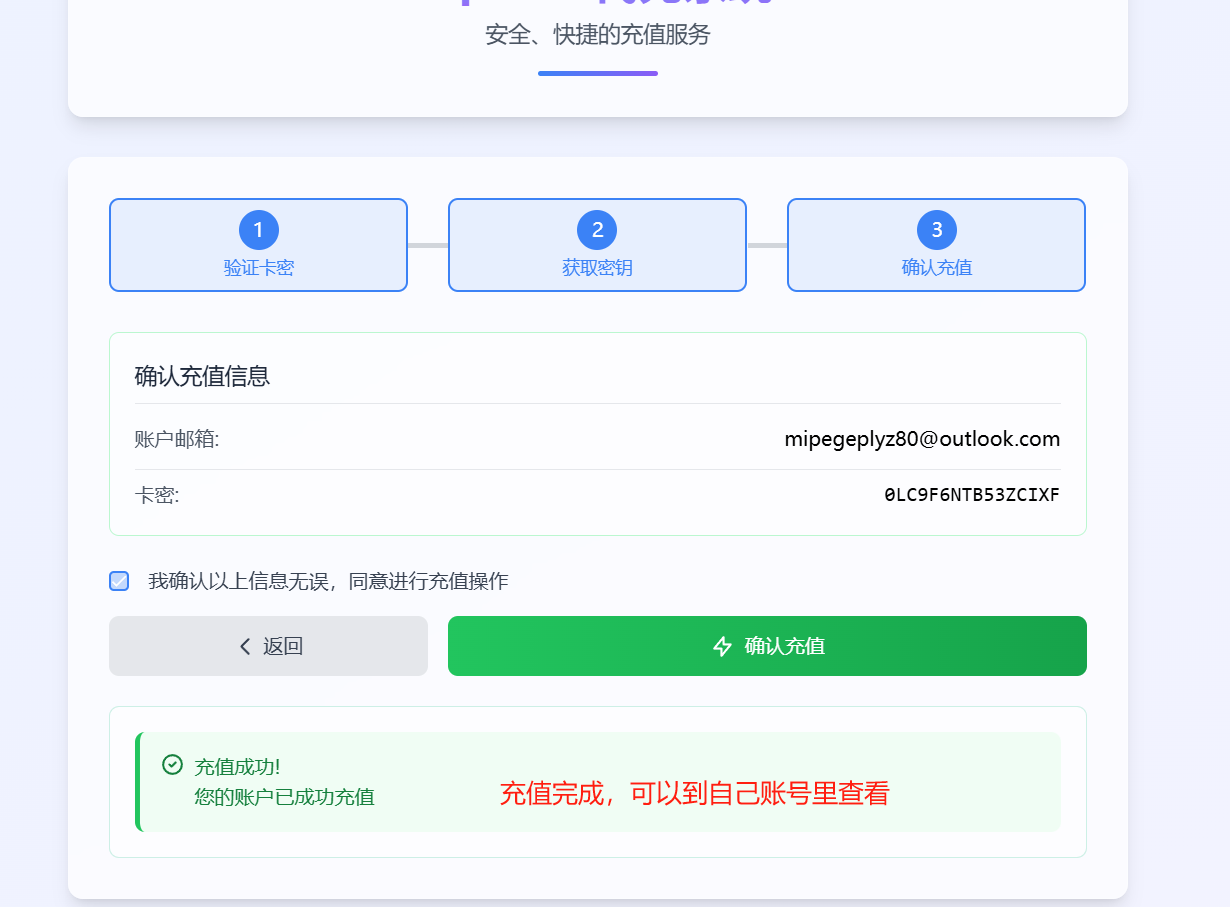
The entire Alipay ChatGPT Plus recharge process takes only 10-60 seconds, slightly longer at peak times. The operation is smooth, and 2025 user feedback has been excellent — ideal for beginners to get started quickly.
If you're searching for "Alipay upgrade ChatGPT Plus" or "2025 ChatGPT direct top-up tutorial", this method is the most stable option. Bookmark the official site now and upgrade anytime!
ChatGPT Plus Alipay upgrade official site: https://gptplus.org.cn/ (opens new window)
# Related Reading & Recommended Guides
- 🎁 Apple Gift Card ChatGPT Plus Subscription Guide (opens new window)
- 💳 ChatGPT Plus & Pro Recommended Recharge Channels: One-Click System (opens new window)
- 📝 How to Quickly Upgrade to GPT-5 Plus: Alipay Gift Cards & Top-Up (opens new window)
- 🎓 Edu Email Application and AI Student Discount Guide (opens new window)
- 💻 GPT-5-Codex Is Amazing! Tutorial on How to Use Codex CLI in China (opens new window)
- 📊 ChatGPT Plus Domestic Recharge Pricing and Service Overview (opens new window)
- 🌐 GPT Plus Home (https://gptplus.org.cn/en/) (opens new window)